
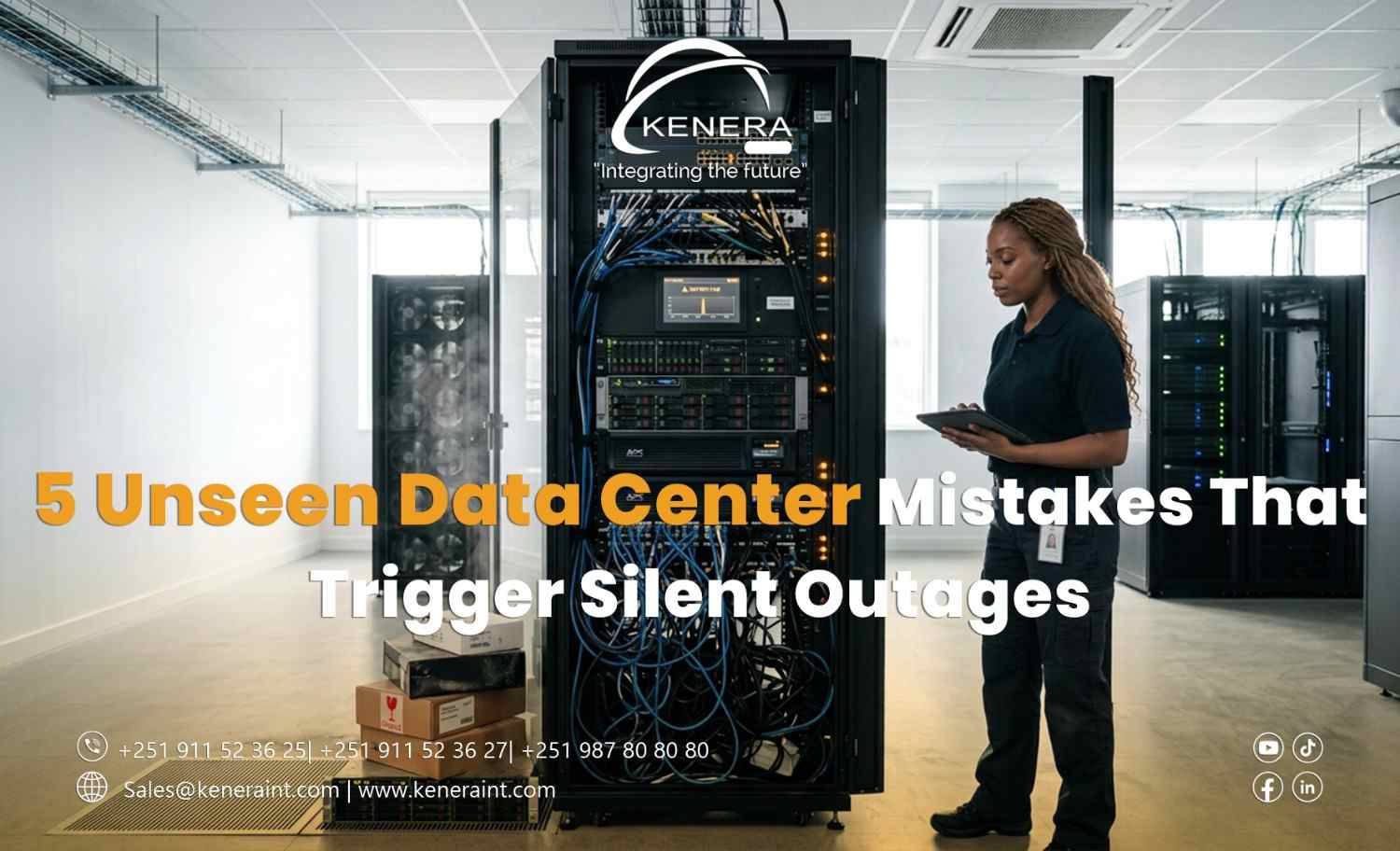
5 Unseen Data Center Mistakes That Trigger Silent Outages
At 9:15 AM, the company's core applications are running normally.
The server room temperature is stable. Network switches show green indicators. The monitoring dashboard reports no major alarms.
By 9:20 AM, employees at multiple branches cannot access the company's ERP system.
No warning appeared before the disruption.
What happened?
Sometimes, the most dangerous data center failures begin in places that monitoring systems cannot see.
Here are five overlooked data center infrastructure mistakes that can turn apparently healthy environments into unexpected business outages.
1. Redundant Power Supplies Connected to the Same Source
A server has two power supplies.
The IT team assumes that means power redundancy.
But both power cords connect to the same power distribution unit (PDU), which depends on a single upstream circuit.
If that circuit fails, both power supplies lose electricity simultaneously.
The server may have redundant components, but the power path is not redundant.
How to prevent it: Trace power connections from each server to its PDU, UPS, and upstream electrical distribution. Where true A/B power infrastructure exists, connect redundant supplies to appropriately independent sources.
Redundancy must extend beyond the equipment itself.
2. Fiber Connections That Are Physically Connected but Degrading
A fiber-optic connection does not always fail suddenly.
Contaminated connectors, damaged patch cords, excessive bending, or marginal optical power can contribute to increasing transmission errors.
The link may remain operational while applications experience retransmissions, intermittent connectivity, or degraded performance.
If monitoring checks only whether the interface is up or down, the problem can remain unnoticed.
How to prevent it: Monitor optical transceiver diagnostics, interface error counters, and link performance trends. Follow proper fiber inspection and cleaning procedures, and investigate abnormal optical power readings against supported equipment specifications.
A green link indicator does not guarantee a healthy connection.
3. Backup Systems That Have Never Completed a Successful Restore
The backup dashboard displays a reassuring message:
But no one has tested whether the organization can actually recover its critical applications.
A backup may contain corrupted files, incomplete dependencies, unsuitable recovery configurations, or missing encryption keys.
The problem becomes visible only when recovery is urgently required.
How to prevent it: Perform scheduled restoration tests, verify data integrity, document application dependencies, and measure recovery performance against defined recovery time and recovery point objectives.
A backup is only one part of a working recovery strategy.
4. Cooling Blind Spots Inside High-Density Racks
The server room thermostat reads 22°C.
Everything appears normal.
However, equipment near the top of a densely populated rack may be drawing significantly warmer air.
Poor airflow management, recirculated exhaust, blocked ventilation paths, or uneven cooling distribution can create localized hot spots.
A single room-temperature sensor may never detect them.
How to prevent it: Place environmental sensors at appropriate rack intake locations, review equipment inlet temperatures, and investigate airflow restrictions. Evaluate blanking panels, cable routing, rack layout, and hot-aisle/cold-aisle practices where applicable.
The temperature that matters is the air reaching the equipment—not merely the air near the wall thermostat.
5. Redundant Network Links Sharing One Physical Failure Point
Two fiber links connect a data center to its network provider.
On the network diagram, they appear independent.
But both cables travel through the same conduit, building entrance, or external distribution route.
One construction accident or physical cable damage event could disconnect both links.
The network is logically redundant but physically vulnerable.
How to prevent it: Review the actual physical paths of critical circuits. Confirm route diversity with service providers where available, document shared dependencies, and test network failover under controlled conditions.
Two connections do not necessarily mean two independent paths.
The Real Problem: Monitoring What Exists Instead of What Can Fail
These five mistakes share a common pattern.
The organization has invested in infrastructure, but critical assumptions remain unverified.
A dual-power server is assumed to have independent power. An active fiber link is assumed to be healthy. A successful backup is assumed to be recoverable.
Effective data center reliability requires more than dashboards.
It requires physical inspections, dependency mapping, performance monitoring, documented procedures, and realistic failure testing.
Kenera International supports organizations in planning and deploying enterprise ICT and data center infrastructure with attention to resilient networking, structured cabling, power distribution, and operational reliability.
Because the most expensive outage may not begin with a major equipment failure.