
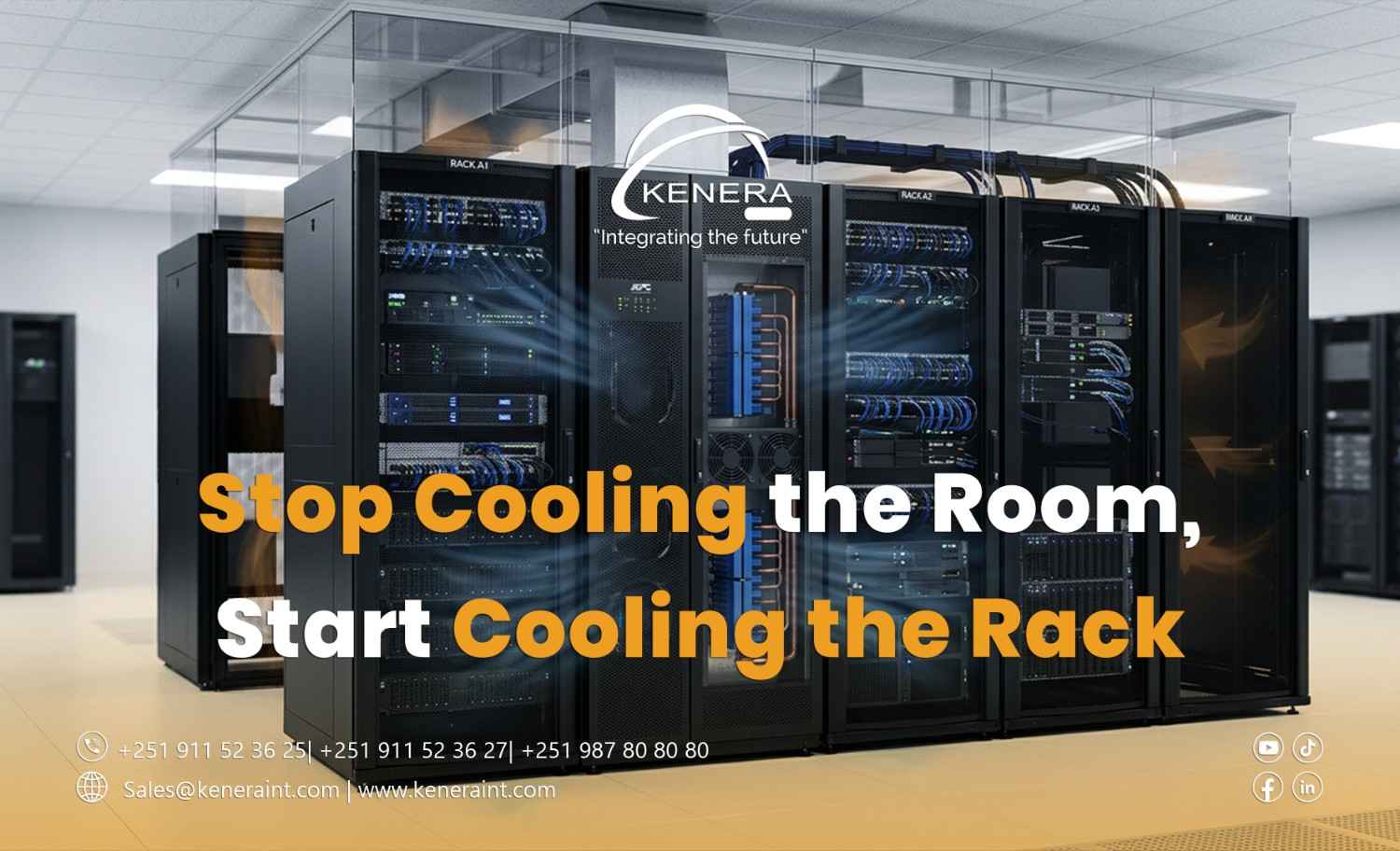
Stop Cooling the Room. Start Cooling the Rack.
Your data center's air-conditioning system is running at full capacity.
The room feels cold. The cooling units are operating continuously. Energy consumption keeps increasing.
Yet servers inside one high-density rack are reporting high inlet temperatures.
How can equipment overheat in a cold room?
Because cooling the data center room is not the same as cooling the servers.
This is one of the most expensive misunderstandings in data center thermal management.
The solution is not always to install another cooling unit. Sometimes, it is to deliver the cooling capacity you already have to the exact location where it is needed.
1. Servers Do Not Care About Room Temperature
A wall-mounted thermostat might display 20°C.
That sounds comfortable.
But what matters to a server is the temperature of the air entering its intake.
If warm exhaust air circulates back toward the front of a rack, equipment can experience elevated inlet temperatures even when the surrounding room appears cool.
This is especially common in environments with poor airflow separation, missing blanking panels, or densely populated cabinets.
The important measurement is server inlet temperature—not simply room temperature.
Data center operators should evaluate equipment inlet conditions against manufacturer specifications and applicable thermal guidelines, such as those published by ASHRAE.
2. The Real Enemy Is Hot-Air Recirculation
Most enterprise servers are designed to draw cooler air from the front and discharge heated air toward the rear.
Problems arise when those two air streams mix.
Imagine a rack with several unused equipment spaces.
Without blanking panels, hot exhaust air can recirculate through those openings toward the front of the cabinet.
Poor cable management, unsealed floor openings, and inadequate airflow containment can make the situation worse.
The cooling system may continue producing cold air, but some servers receive air that has already absorbed heat from nearby equipment.
The fix: Improve airflow separation before increasing cooling output.
Install suitable blanking panels, seal unintended bypass paths, and maintain clear equipment intake and exhaust areas.
3. Hot-Aisle and Cold-Aisle Containment Changes Everything
In a traditional open server room, cold supply air and warm return air can mix before reaching their intended destinations.
Hot-aisle and cold-aisle containment strategies help separate these air streams.
Cold-aisle containment keeps conditioned supply air concentrated near equipment intakes.
Hot-aisle containment captures heated exhaust air and directs it toward the cooling system's return path.
Both approaches can improve airflow management when properly engineered.
However, containment design must account for fire protection, maintenance access, pressure conditions, cooling redundancy, and equipment airflow requirements.
The objective is not simply to build barriers around racks.
It is to establish a controlled and predictable airflow path.
4. When In-Row Cooling Makes More Sense
High-density racks can create concentrated heat loads that traditional perimeter cooling systems struggle to address efficiently.
In-row cooling places cooling equipment closer to the IT load, reducing the distance that conditioned air must travel.
Depending on the system, in-row units can capture warm exhaust air and deliver conditioned air near server intakes.
This can be particularly useful for high-density computing environments, including virtualization clusters, storage platforms, and AI workloads.
However, in-row cooling is not automatically the best solution for every data center.
Rack power density, cooling capacity, redundancy requirements, available space, water infrastructure, and maintenance considerations must be evaluated before deployment.
5. Five Practical Ways to Improve Rack Cooling
Measure rack inlet temperatures. Install temperature sensors at appropriate locations, including the top, middle, and bottom of critical racks.
Install blanking panels. Close unused rack spaces to reduce unwanted airflow mixing.
Improve cable routing. Keep cables away from ventilation openings and organize rear-rack pathways to support maintenance and airflow.
Review airflow delivery. Check floor tiles, supply vents, fan arrangements, and containment conditions based on the facility's cooling design.
Monitor cooling performance. Track inlet temperatures, cooling-unit operation, airflow conditions, and energy consumption to identify inefficiencies.
Changes should be validated under representative IT loads rather than judged by how cold the room feels.
6. Better Cooling Can Also Mean Lower Energy Costs
Overcooling an entire data center to compensate for a few hot racks can waste electricity.
When airflow management improves, facilities may be able to operate cooling systems more efficiently while maintaining acceptable equipment inlet temperatures.
Potential improvements include optimized supply-air temperatures, reduced unnecessary fan energy, and better use of existing cooling capacity.
But energy savings are not guaranteed.
They depend on the cooling architecture, equipment controls, climate, IT load, and operating conditions.
Any adjustment to cooling setpoints should be carefully assessed and monitored to avoid creating thermal risks.
Cool the Equipment, Not Just the Space
Reliable data center cooling is about delivering the right amount of conditioned air to the right equipment at the right time.
A cold room does not guarantee healthy servers.
Proper rack airflow, containment, temperature monitoring, and cooling-system design work together to support reliability and energy efficiency.
Kenera International helps organizations plan and deploy enterprise ICT and data center infrastructure with attention to rack organization, cooling requirements, scalability, and operational performance.
Because the goal is not to make your data center feel colder.