
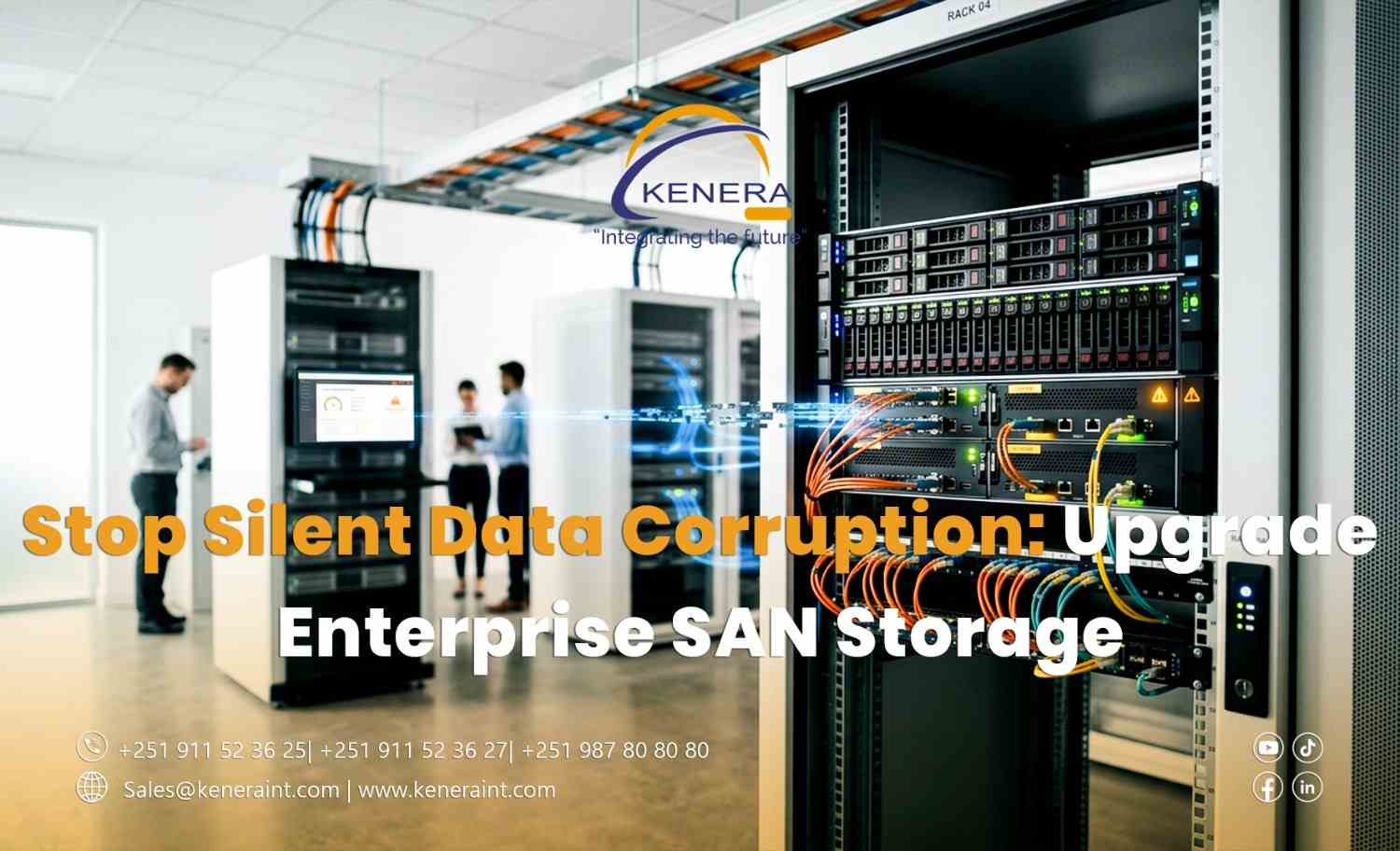
Stop Silent Data Corruption: Upgrade Enterprise SAN Storage
The storage system is online. The dashboard shows normal capacity. Employees can open their files, and business applications appear to be running smoothly.
Then an important database fails a consistency check.
Some records are unreadable. A restored backup contains the same damaged information. Nobody knows exactly when the problem started.
This is the danger of silent data corruption: information can become damaged without an obvious warning at the moment the damage occurs.
For Ethiopian businesses that depend on databases, financial records, virtual machines, and critical applications, protecting data requires more than keeping storage devices powered on.
When “Available” Does Not Mean “Intact”
A storage system can remain accessible while individual files or data blocks become corrupted.
Potential causes include failing hardware, software defects, firmware issues, interrupted writes, and errors elsewhere in the data path. The exact cause depends on the environment.
The challenge is that corruption may remain unnoticed until an application reads the affected information, a database performs a consistency check, or someone attempts to restore an older file.
By then, the organization may struggle to determine which data is trustworthy.
Enterprise SAN storage should therefore be evaluated not only for capacity and speed, but also for its ability to detect errors, protect data integrity, and support recovery.
Why Aging Storage Deserves Attention
Storage Area Network (SAN) infrastructure often supports multiple business-critical workloads.
A single storage platform may host virtual servers, databases, enterprise applications, and shared business information.
As equipment ages, organizations may face limited capacity, outdated firmware, expiring support contracts, component failures, or reduced access to compatible replacement parts.
These conditions do not automatically mean that data corruption will occur. They do, however, make it important to reassess whether the existing infrastructure still meets the organization's operational and recovery requirements.
An enterprise SAN storage upgrade should begin with that assessment—not simply a request for more terabytes.
Data Integrity Features Matter
Modern enterprise storage platforms may offer features designed to help detect or limit data integrity problems.
Depending on the product and architecture, these can include end-to-end checksums, integrity verification, redundancy, background data scrubbing, snapshots, and error reporting.
Each feature addresses a different risk.
For example, checksums can help identify unexpected changes to data, while snapshots may provide earlier recovery points when files are accidentally modified or corrupted.
However, no single feature guarantees complete protection. Organizations must understand what their specific storage platform supports and how those capabilities are configured.
A Snapshot Is Not a Complete Backup Strategy
Snapshots can be valuable, but they should not be treated as the only line of defense.
If a storage platform becomes unavailable, its local snapshots may also become inaccessible. Some snapshots may already contain corrupted information if the problem was not detected quickly.
Preserving a copy of data is not the same as proving that the copy can be recovered and used.
Businesses should maintain independent backups, appropriate off-site or isolated copies, and tested restoration procedures.
For critical databases, application-level consistency checks and recovery testing are also important.
The goal is not simply to preserve copies of data. It is to confirm that the organization can recover usable information when necessary.
Upgrade Without Creating a New Risk
Replacing a SAN is not as simple as moving files from one device to another.
A successful migration requires planning around application dependencies, storage protocols, host compatibility, performance requirements, backup readiness, and acceptable downtime.
Before migration, IT teams should establish a reliable backup, assess the health of existing data, and define how they will validate information after transfer.
A controlled migration plan should also include a rollback strategy in case the new environment does not behave as expected.
After deployment, teams should verify application functionality, storage performance, monitoring, and recovery procedures before retiring the old infrastructure.
Protect the Data, Not Just the Storage Device
The real value of enterprise storage is not measured only in terabytes or input/output performance.
It is measured by whether the organization can trust its information, maintain essential services, and recover when something goes wrong.
Modernize Enterprise Storage with Kenera International
Kenera International supports organizations in planning and modernizing enterprise ICT infrastructure, including storage environments designed around performance, reliability, scalability, and business continuity.
Because a storage system that appears healthy is not necessarily proof that every file is safe.